Recipe D — QuickNotes
Subscription · soft paywall · all-Supabase. Charges money, but lets people try first (a soft paywall they can dismiss). Everything — login, settings, notes data — runs on one Supabase project.
← Back to all recipes.
Design reference
A colourful card-per-note list with a floating add button — simple, fast, and friendly.
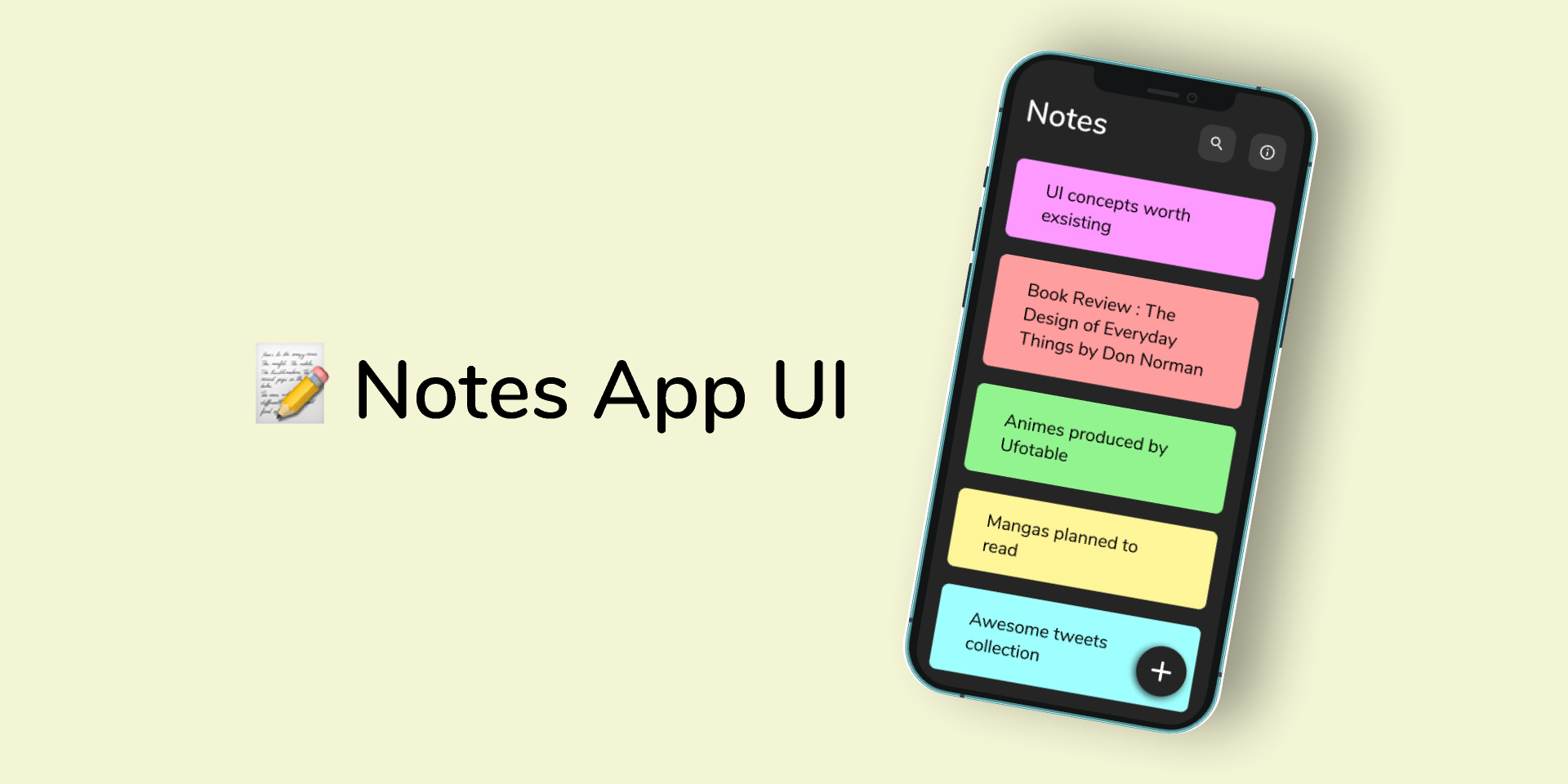
Reference: Notes App UI (Figma Community). This is a Figma Community file — you can duplicate it to your own Figma to tweak it first, or use it as-is.
Setup choices
Run /kit-start-setup and choose:
| Step | Choice |
|---|---|
| What are you building? | A paid / subscription app |
| Rename | com.you.quicknotes · QuickNotes |
| Onboarding | "Fast notes that sync everywhere." |
| Brand & theme | Amber #F59E0B · Material icons |
| Authentication | Supabase · Email only |
| Paywall | RevenueCat · SOFT (shows "Maybe later") |
| Analytics | Sentry |
| Build & run | ✔ |
Build + ship
/kit-setup-updates→ remote config on Supabase (run the SQL it prints to create the config table)./kit-design-app→ when it asks for a design source, choose Figma URL and paste the Community link above. If a Figma connection is available the agent reads the frames directly; otherwise it'll ask you to export the frames as PNGs and design from those. Build: a notes list (colour-coded cards), a note editor, and a floating add button. Store notes in Supabase (same project as login)./kit-generate-legal→ privacy policy + Data Safety (covers payments + Supabase)./kit-generate-aso→ listing copy ("notes app", "quick notes", "sync notes")./kit-generate-screenshots→ Play Store screenshots./kit-generate-landing(optional) → landing + privacy/terms page./kit-publish-to-play→ ship it.
What you'll see on device
Onboarding → email sign-in → paywall with a "Maybe later" → Home. Later you can flip on a maintenance screen or push an update prompt from your Supabase config table.