Recipe A — Water Tracker
Free · no login · offline. The simplest possible app: no accounts, no payments, works on a plane. Data lives on-device in Room. A great first build.
← Back to all recipes.
Design reference
A clean, single-purpose hydration UI: a big daily total, a wave fill, a +300 ml button, and
a simple weekly history chart.
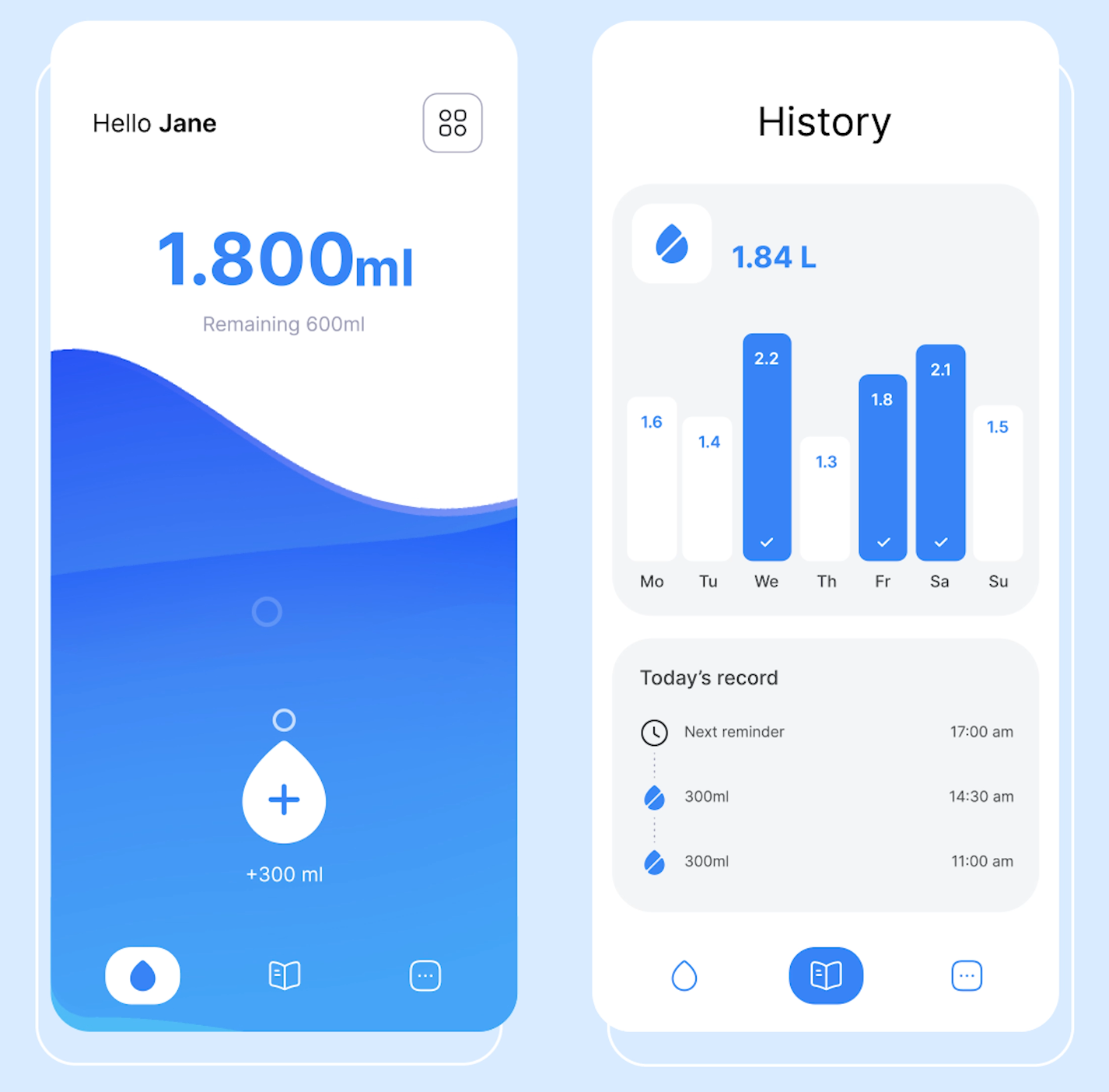
Reference: Water tracker mobile app design (Dribbble). Use it as a style + layout guide — adapt the colors to your brand and the components to NowKit's design system.
Setup choices
Run /kit-start-setup and choose:
| Step | Choice |
|---|---|
| What are you building? | A free app |
| Rename | com.you.watertracker · Water Tracker |
| Onboarding | "Track your daily water intake and build a hydration streak." |
| Brand & theme | Blue #2196F3 · Material icons |
| Authentication | Skip — no login |
| Paywall | (auto-skipped — it's free) |
| Analytics | None |
| Build & run | ✔ |
Build + ship
/kit-design-app→ when it asks for a design source, pick Reference URL and paste the Dribbble link above (or Screenshots / mockups and drop the image). Build a water-log screen: big daily total, a+250 mlbutton, a streak, and a weekly chart. Store it in Room (on-device, offline-first)./kit-generate-legal→ privacy policy + Play Data Safety (minimal — no accounts, no network)./kit-generate-aso→ app name + short + long description with a keyword strategy ("water tracker", "drink reminder", "hydration")./kit-generate-screenshots→ Play Store screenshots from your app./kit-generate-landing(optional) → a static landing + privacy/terms page; gives you the public privacy URL Play needs./kit-publish-to-play→ ship it.
What you'll see on device
Splash → onboarding → straight to Home. No login screen, no paywall. Tap to add water, watch the daily total and streak update — all offline.